Innovation Hour Event #10
This reflection post will summarize the Gordon Terrace Elementary School Innovation Hour.
What is the Innovation Hour event?
The Innovation Hour event is a full-day activity that involves the entire school. We set up a variety of stations in the Gordon Terrace gymnasium for students to explore.
Stations at the event:
- Button making
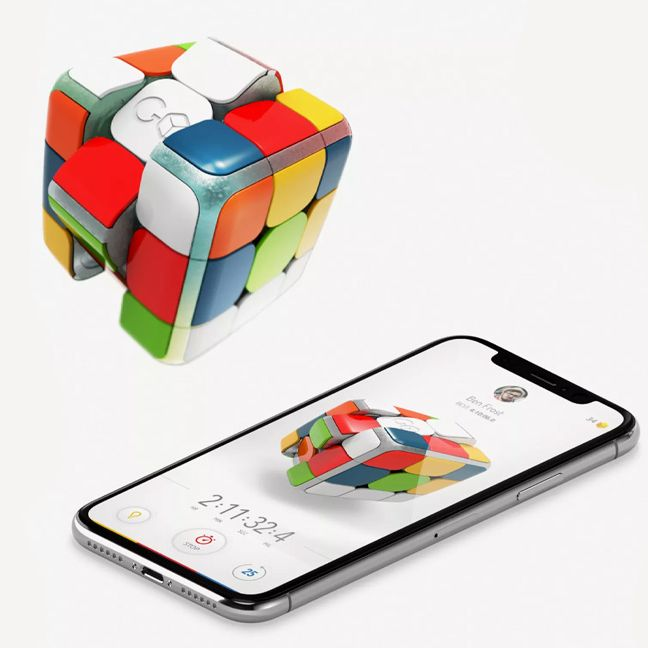
- Go Cubes
- Microbit AI
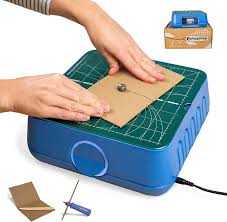
- Chomp Saw
- Unplugged Activity: Brain in a Bag
Innovation Hour gives students the opportunity to experiment with various tech-based activities, learn new skills, and have fun with hands-on technology. Each hour, a different group of students rotated through the stations. The student teachers started the morning with the older students (grades 5 and 6), followed by grades 3, 4, and 5. Lastly, we ended the day with Kindergarten and the grades 1 and 2 classes.
What stations did I help run?
Button Making Station
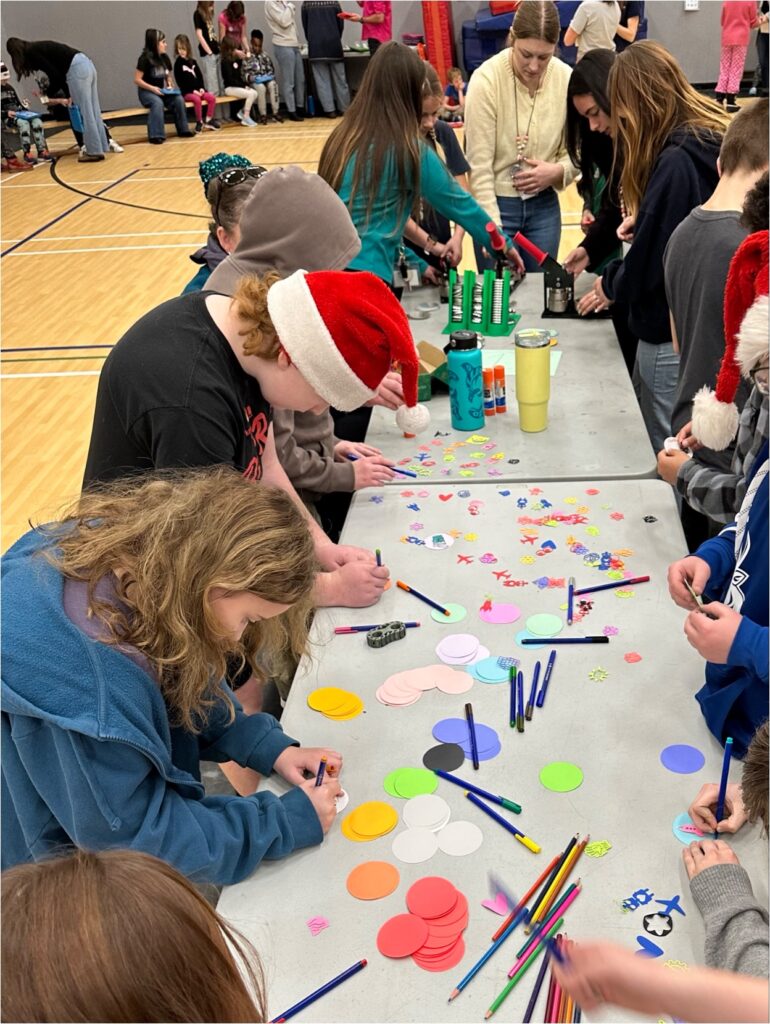
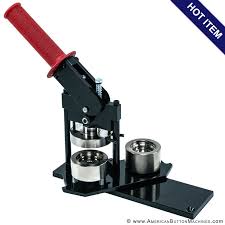
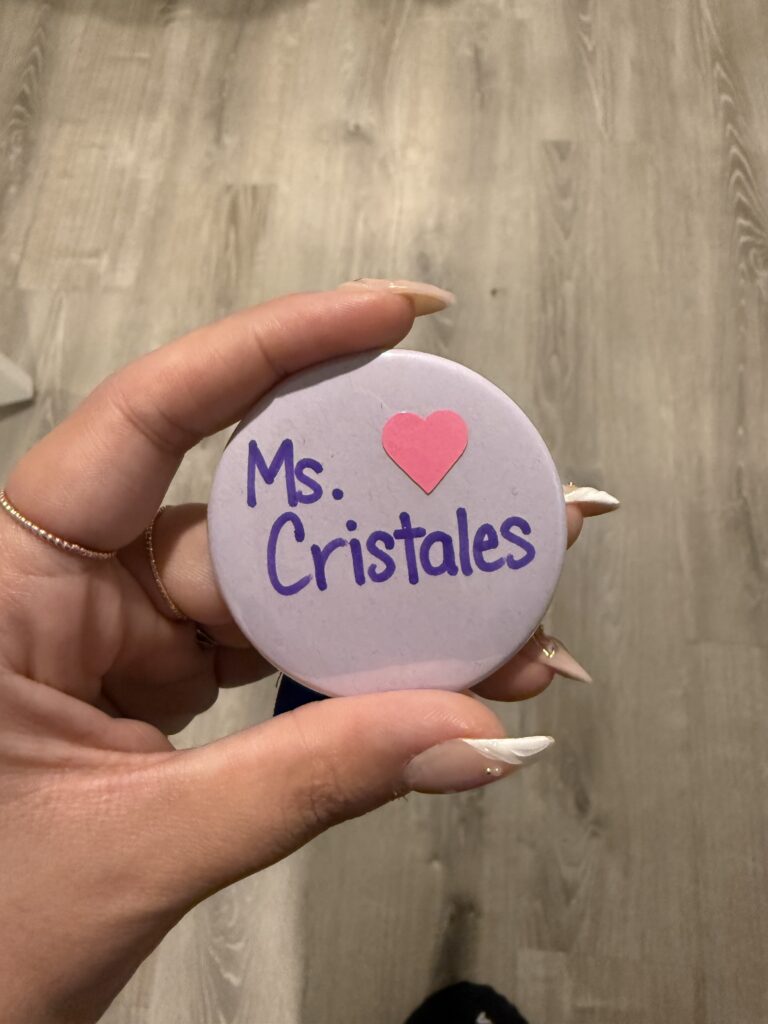
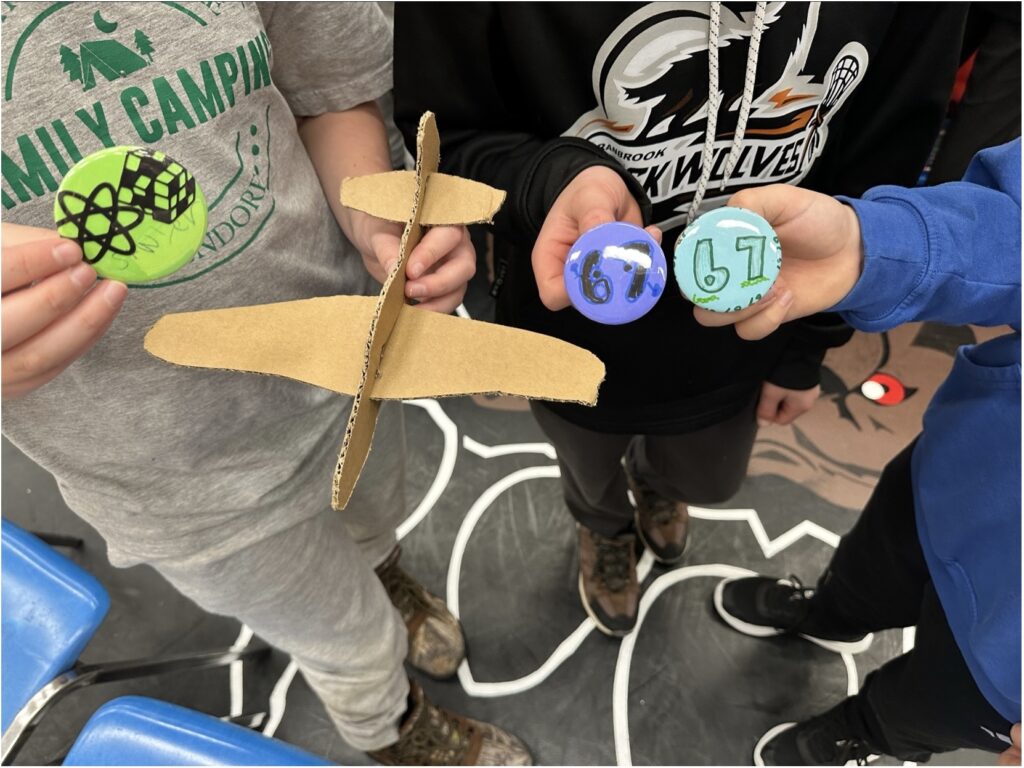
I began the day at the button-making station, which I really enjoyed! There were so many options and cut-outs created with the circut machine, such as robots, hearts, airplanes, and science-themed shapes for the kids to choose from. The students chose a pre-cut circle of coloured paper and decorated the paper using markers or pencil crayons. Once completed, you load the machine with the button-making supplies, and a customized button is created! I had a lot of fun working with the older students at this station, and I created my own personalized Ms. Cristales button.
Microbit AI Station
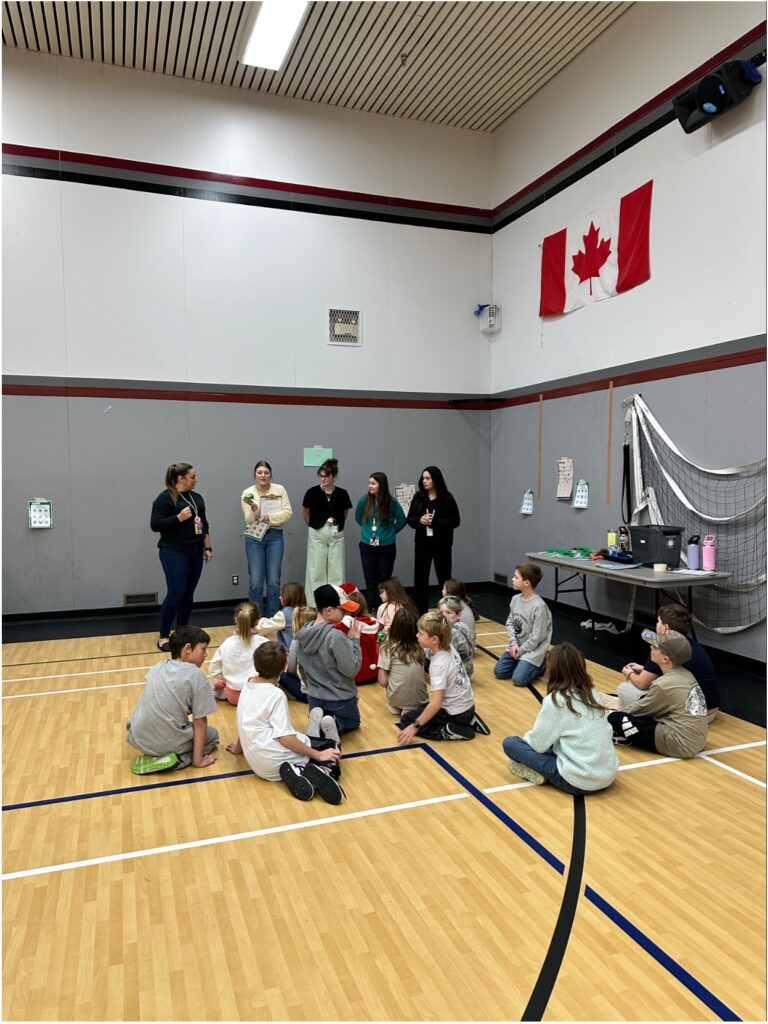
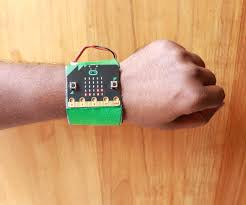
At the Microbit AI station, the students wore watches and had to make different movements to figure out which coded image would appear. For example, a wave might trigger a duck, and a clap could show a llama. Since the watches are powered by AI, the students were reminded to repeat a movement to receive the desired result. The students were most active at this station and were performing cartwheels and dancing the chicken dance.
Unplugged Activity: Brain in a bag
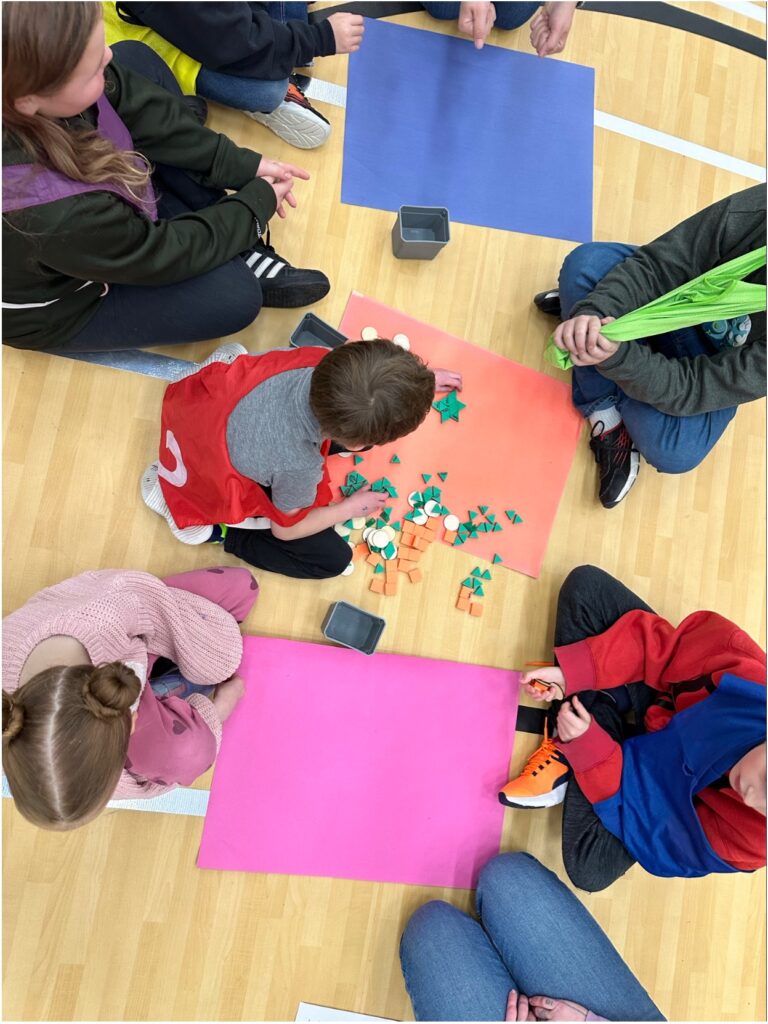
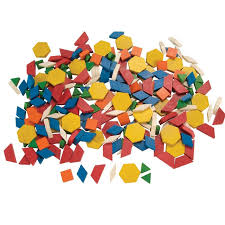
Lastly, I worked the Unplugged Activity station, I found this the most challenging, especially with the younger groups. The goal was to help the students imagine themselves as “human computers” working together to decode a mystery word. We split each class into groups of three, and within this station were three mini-stations: A, B, and C. At Station A, the first student drew a simple picture—either a cat, a car, or a house. Once they finished, they passed their drawing to their teammate at Station B. At Station B, the second student used wooden shape blocks to recreate the picture. For example, a cat was made using one circle and two triangles for ears. When they completed their shape puzzle, they ran over to Station C, where I was working. At Station C, the third student of the team had to match the wooden shape design from Station B to one of the three photos I had. Each photo had a letter code. For example, the cat (circle with two triangles) matched to the letters COM. By the end, each group should have spelled out the word COMPUTER after going through all three of the photos (cat, car, and house). The station was more complicated than the others, and I found it difficult to navigate with the students. The most difficult part was managing the wait times for the students to have a turn, and I spent a lot of time entertaining the students while they waited with games such as Duck, Duck, Duck, Goose and Freeze Tag.
Overall, Innovation Hour was a fun and engaging day for both the students and myself. I had the opportunity to work at different stations with all age groups, and it was a pleasure to witness how excited the kids were when exploring new technology.